A VPN can be one possible cause of an Alipay or WeChat Pay connection problem, but a failed payment does not prove that the wallet blocked your VPN or detected an IP-location mismatch. First preserve the error, change only one network variable, and retry once. If the same payment works on a direct cellular connection but repeatedly fails through the VPN, you have evidence of a network-path problem—not proof of a particular fraud-control rule.
This guide gives foreign visitors a safe troubleshooting sequence without inventing how either platform’s private risk systems work.
What is verified—and what is not
| Claim | Evidence status | Practical conclusion |
|---|---|---|
| Mobile wallets need a working data connection | Observable and necessary for online payment flows | Test connectivity and app access first |
| A VPN changes the network route and may change apparent IP location | Normal VPN behavior | It can affect latency, DNS, reachability, or security checks |
| Alipay always rejects a payment when IP country and physical location differ | No public official rule found | Do not present this as fact |
| Alipay and WeChat Pay use the same risk infrastructure | No supporting primary source found | Test each app independently |
| Split tunneling guarantees payment success | Unsupported | It is only an optional diagnostic configuration |
Before changing the VPN, capture the failure
Record the exact message, time, merchant, RMB amount, payment method, last four card digits, and whether the app failed before or after card authorization. Check the wallet transaction list and your card app for a pending authorization. Do not repeatedly tap Pay; multiple attempts can create several pending entries even when only one ultimately settles.
If the message says the bank declined, the card is unsupported, verification is required, a limit was reached, or the merchant code is ineligible, changing the network may not help. Use the site’s general Alipay troubleshooting guide for those broader failures.
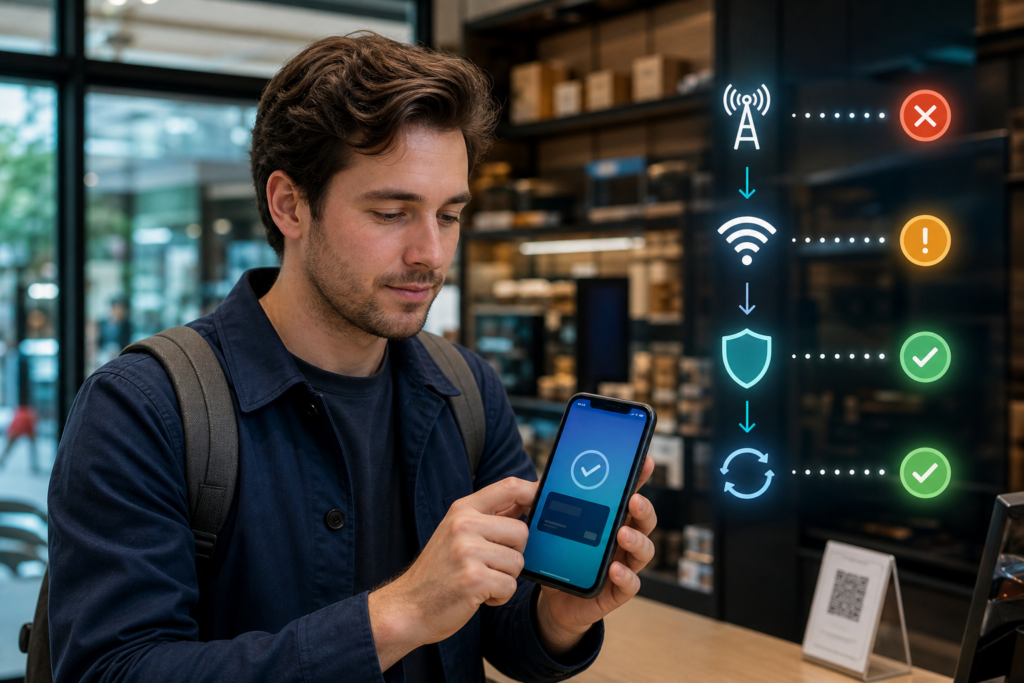
A controlled five-step network test
- Confirm ordinary internet access. Open a lightweight page that normally works on the current connection. A signal icon alone does not prove usable data.
- Close and reopen the payment app. Do not clear app data, uninstall it, or change account details yet.
- Change one variable. If a VPN is active, disconnect it and use direct mobile data. If no VPN is active, move from unreliable public Wi-Fi to mobile data.
- Retry once with the merchant’s permission. Use the same legitimate purchase and confirm that the first attempt did not complete.
- Compare outcomes. Success only on the direct connection indicates the VPN route or configuration may be involved. Failure on both routes points elsewhere.
A tiny test purchase is not always appropriate and can confuse a merchant’s records. Do not manufacture a transaction solely for testing; use a genuine purchase and ask staff before retrying.
Why a VPN route can cause connection trouble
A VPN adds another network path between the phone and online services. Depending on its configuration, it can introduce latency, failed DNS resolution, packet loss, blocked destinations, filtering, or an IP address associated with another region. The wallet, card issuer, or authentication service may also request additional verification when traffic looks unusual.
These are plausible mechanisms, not a diagnosis from the symptom alone. A merchant connection problem, expired session, app outage, card decline, account review, or weak mobile signal can look similar.
Should you use split tunneling?
Split tunneling lets selected apps bypass a VPN while other traffic continues through it. If your lawful VPN service and phone support this feature, excluding the payment app can be a useful test. Follow the provider’s official documentation because names and behavior vary by operating system.
- Exclude only the payment app needed for the test.
- Restart the wallet after changing the route.
- Confirm the VPN configuration does not still apply device-wide DNS or filtering.
- Do not install an unknown “payment VPN fixer” or configuration profile.
- Restore your preferred privacy settings after testing.
Split tunneling does not change card eligibility, wallet verification, transaction limits, or merchant-code support. If the issuer declined the charge, contact the issuer instead.
Do not change account location to fix a payment
The manuscript originally instructed users to update an Alipay account location after arriving in China. No reliable official source was found for the claimed menu or for the idea that it aligns an account with IP geography. Do not alter identity, residence, phone, or passport details unless the information is actually wrong and the official app asks you to update it.
Identity information should match your genuine passport and card records. The Chinese government’s 2025 guide for foreign residents and visitors states that an overseas card must be verified by its issuer and recommends contacting the payment product or issuing bank when binding fails.
What to do if direct mobile data also fails
- Check whether the wallet shows a completed or pending transaction.
- Confirm the merchant QR code accepts a foreign-card-funded payment.
- Review passport verification and the linked card’s status.
- Check live product limits and any security prompt inside the app.
- Ask the issuer whether it received and declined an authorization.
- Contact official wallet support with the transaction time and ID.
- Use another accepted method rather than repeatedly retrying.
China’s official visitor payment guide describes multiple options, including mobile wallets, bank cards, and RMB cash. Keeping a legitimate backup is sensible; it is not an admission that digital payments are unreliable.
Public Wi-Fi, roaming, and eSIM checks
Public Wi-Fi may require a browser login page before other apps can reach the internet. Roaming and travel eSIMs may route traffic internationally, but that alone does not prove a payment will fail. Check whether the plan has remaining data, whether roaming is enabled, and whether the phone selected the correct SIM for mobile data.
Article 9 in this series will cover eSIM selection as a connectivity decision, without claiming that a particular eSIM guarantees Alipay or WeChat Pay approval.
Supplier payments need a different diagnosis
A VPN test cannot make a personal foreign-card wallet suitable for every commercial invoice. If you are paying a factory, sourcing agent, or vendor, first check merchant eligibility, verified company beneficiary details, invoice documentation, and whether the channel supports business payments. Read why Alipay may reject a foreign-card supplier payment and the full guide to sending RMB to Chinese suppliers.
Frequently asked questions
Does Alipay officially say that VPNs are blocked?
No public official source supporting a universal VPN block or the manuscript’s specific IP-mismatch algorithm was found during the August 2, 2026 review. A VPN may affect the network path, but diagnose it through controlled testing.
If payment works after disconnecting the VPN, was the VPN responsible?
It is strong evidence that the route or configuration contributed, especially if the result is repeatable. It still does not reveal whether the cause was latency, DNS, reachability, filtering, or a security decision.
Should I use two phones?
It is optional, not required. A second device can provide backup connectivity, but it also introduces another account session and security responsibility. Most travelers should first test direct mobile data and official app support.
Can I use a VPN server in mainland China to guarantee success?
No. Server location cannot guarantee wallet access or payment approval, and users must comply with applicable laws and service terms. Do not select a VPN configuration based on an unsupported payment guarantee.
Sources and review note
- Guide to Working and Living in China (2025) — mobile-payment setup, issuer verification, and support direction.
- Payment service guide for overseas visitors — available payment methods and foreign-card wallet access.
- 2026 guidance on digital services for overseas visitors — current policy direction for accessible telecommunications and payments.
Written by the Extentage editorial team. Reviewed on August 2, 2026. The private risk rules of payment platforms and issuers are not publicly documented in full; conclusions above distinguish verified guidance from troubleshooting inference.